
Matplotlib Grid
Grid lines help a reader compare plotted values with the scale. Use them lightly so they support the data rather than compete with it.
Understand the idea
A y-axis grid often helps compare numeric values while avoiding an unnecessary mesh on categorical axes. alpha controls transparency. Put the grid below the plotted marks when that makes the result easier to read. Grid lines do not add observations or statistical precision.
Where to try it
Run this complete script in a local virtual environment with Matplotlib installed (py -m pip install matplotlib). It uses a non-interactive backend and saves workshop.png in the current folder. The site shows a rendered example below; its text-only online runner does not display plot windows.
A worked example
import matplotlib
matplotlib.use("Agg")
import matplotlib.pyplot as plt
fig, ax = plt.subplots(figsize=(7, 4), layout="constrained")
ax.plot([1, 2, 3, 4], [8, 11, 10, 14], marker="o")
ax.set(xlabel="Week", ylabel="Orders", title="A restrained reference grid")
ax.grid(axis="y", alpha=0.3)
ax.set_axisbelow(True)
fig.savefig("workshop.png", dpi=140)
plt.close(fig)
print("Saved workshop.png")
Read the result
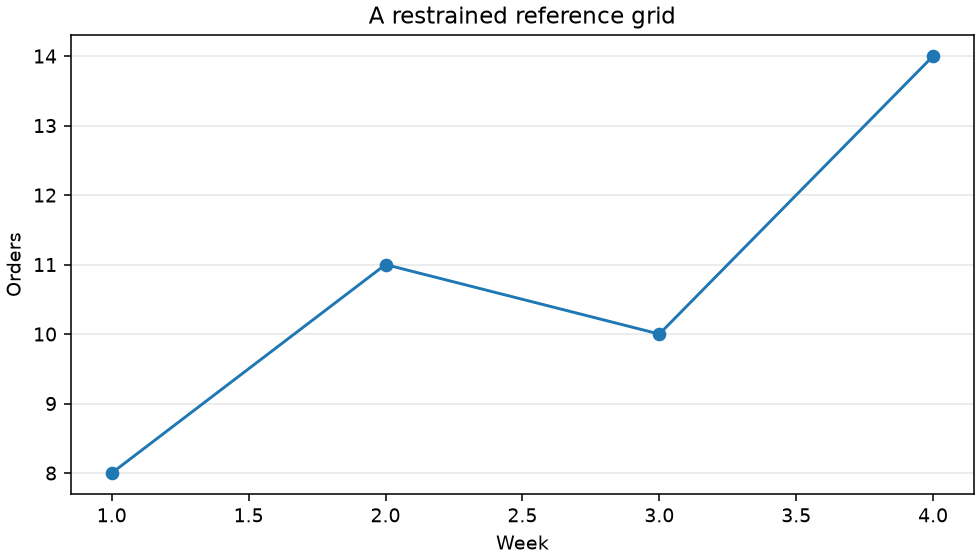
Horizontal guides make it easier to estimate the four order counts.
Try one change
Export versions with and without the grid and compare them at the size a reader will actually see.
For package options, see the Matplotlib documentation.